Never Run Out
Enroll in auto-replenishment and receive
complimentary shipping, 5% off all orders,
plus mini-gift on your 3rd order
The Key to Seeing Results is Consistency
- 5% savings on every order
- Complimentary ground shipping on every order
- Mini HA Intensifier Multi-Glycan ($60 value) on your third auto-replenishment order
- Adjust frequency at any time
Subscription Favorites
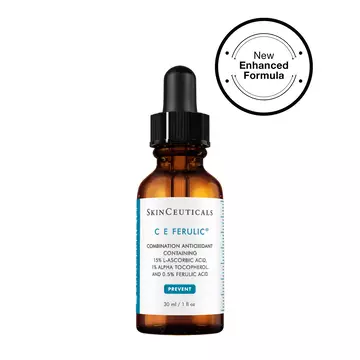
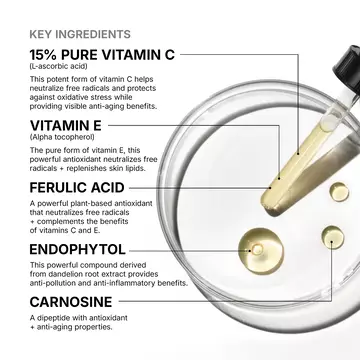
C E Ferulic® with 15% L-Ascorbic Acid
Vitamin C serum for fine lines and wrinkles
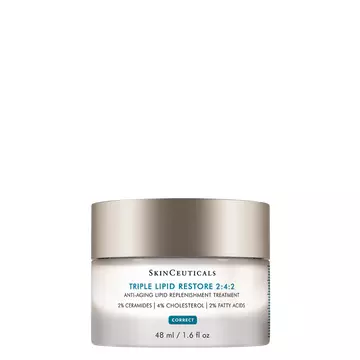
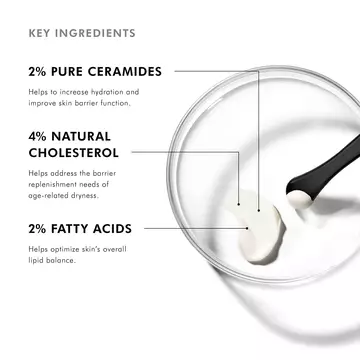
Triple Lipid Restore 2:4:2
Anti-aging lipid moisturizer cream
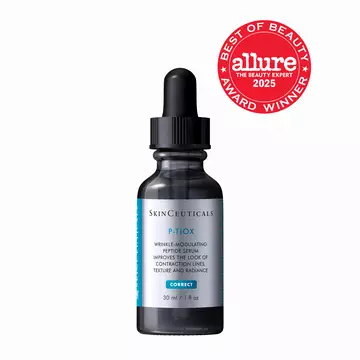
P-TIOX Anti-Wrinkle Serum
Peptide serum for expression lines and glass skin radiance
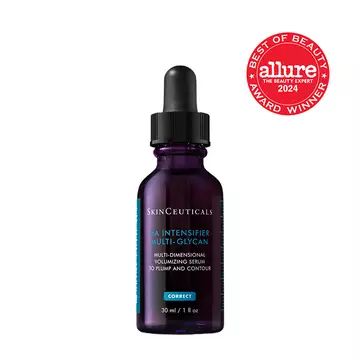
Hyaluronic Acid Intensifier Multi-Glycan
A hyaluronic acid volumizing and plumping serum

A.G.E. Advanced Eye for Dark Circles
Eye cream for dark circles and wrinkles
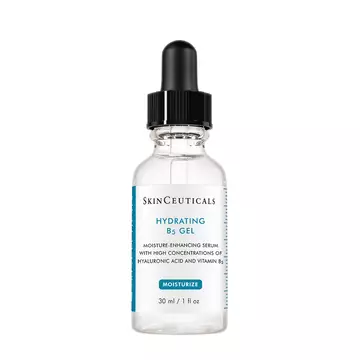
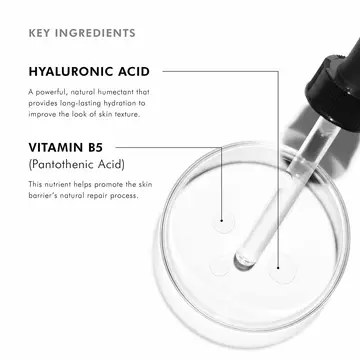
Hydrating B5 Gel
Vitamin B5 serum with hyaluronic acid
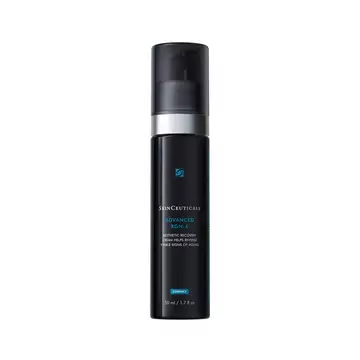
Advanced RGN-6
Skin regeneration cream
How Does Subscription Work?

SHOP
When shopping on a product page or at checkout – check the “subscription” box.

SCHEDULE
Select your desired frequency (1 - 6 months) – each product page has a default frequency based on the average usage rate of that particular product.

SHIP
Receive your favorite skincare at your door with 5% savings, complimentary shipping, and a mini-gift on your 3rd subscription order.
Subscription FAQS
SkinCeuticals Subscription service is a convenient way for you to get the skin care products you want delivered on a regular schedule. We automatically send you your favorite skin care products based on your chosen frequency. The service is easy to use and customizable; you can update your orders at any time in your account on SkinCeuticals.com. As a member of SkinCeuticals Subscription service, you will receive complimentary shipping and 5% off all subscription orders.
You always have complete control over your SkinCeuticals Subscription orders. You will receive an email reminder 10 days before each order ships. You can change your delivery frequency, next order date, or quantity anytime by visiting the Subscription section of your SkinCeuticals.com account. Changes to orders can be made any time before the next scheduled shipment date and you can cancel at any time.
Joining SkinCeuticals Subscription Service is easy; it can be done while browsing on a product page or while reviewing items in the shopping cart. To get started, simply select the Subscription option next to your desired skin care product, select your preferred shipment frequency and then check out as normal.
After you join SkinCeuticals Subscription Service, you will receive an email confirming your Subscription order. This email will include a link to access the Subscription section in your account where you can manage your future orders, Subscription products and account information such as billing and address details.
We will place your Subscription orders automatically according to your selected frequency, and you will only be billed on the day the order is shipped. We will send you an email reminder 10 days before each Subscription order. You will also receive email notifications regarding other important information related to your Subscription account, such as if your item is discontinued or out of stock, if you cancel your replenishment, and confirmation when an order is placed successfully.
You can change your Subscription Service next order date, skip an order, change your selected frequency, or cancel an Subscription order by visiting the Subscription section in your account on SkinCeuticals.com. Please allow up to 24 hours for modifications or cancellations to be processed.
Change an order date: To change your next order date, please visit the Subscription section within your account and click the Change Date button to the right of the next shipment date then select a new date for your order. This will change the order date for the entire Subscription order.
Skip a delivery: To skip an Subscription order, please visit the Subscription section within your account and click the Skip Order button to the right of the upcoming order date to skip the entire order.
Change shipment frequency: To modify the delivery frequency for an Subscription item, please visit the Subscription section within your account. The current delivery frequency is displayed next to each subscription item in a dropdown menu next to “every”. To change the delivery frequency for an individual subscription item, simply click the frequency dropdown next to the item you would like to modify and select your next desired frequency from the dropdown menu.
Send an order now: To send an Subscription order now, please visit the Subscription section within your account and click the Send Now button to the right of the upcoming order date to send the entire order.
Cancel Subscription item: To cancel an Subscription item, please visit the Subscription section within your account and click the “Cancel Subscription” link to the right of the item you wish to cancel. You’ll be prompted to confirm this action and indicate your reason for cancelling. Once you’ve selected a cancel reason and clicked the Stop Subscription button, your subscription will be cancelled and no future orders will be placed. You will receive an email notification confirming this action. Please allow up to 24 hours for any modifications or cancellations to be processed.
To review or modify your Subscription account information, visit the Subscription section in your account on SkinCeuticals.com.
To change your shipping address for an order, click the Edit link located directly below the current shipping information. Select a previous shipping address from the dropdown menu or create a new one to add to your account. This address will apply to all Subscription Service and future orders unless otherwise noted.
To change your billing address for an order, click the Edit link located directly below the current billing information. This will open a new page where you can add new payment information. This billing information will apply to all Subscription Service and future orders.
Please remember to press OK and verify that your updated information saved successfully. Please allow up to 24 hours for any modifications or cancellations to be processed.
Your very next scheduled orders will be listed in the Subscription section in your account on SkinCeuticals.com
Subscription items that have the same order date, shipping address, billing address and payment method will ship as one order. If you have more than one Subscription item and want the items to ship in the same order, simply visit Subscription section of your account and change the next order dates to be the same. Also, confirm the orders are going to the same shipping address and have the same billing address and payment method.
Yes. To do so, you must be logged into your SkinCeuticals.com account. Visit the skin care product page you wish to add to your order and find the “Add this to my order on:” button. When you click this button, you will have the option to add the item as one time only or as a subscription item.